Welcome to the SpeaksCraft App: let's set up your family
Watch Mica's one-minute setup video, then follow the four steps below. It takes about five minutes.
If you subscribed, your receipt is on its way to your inbox.
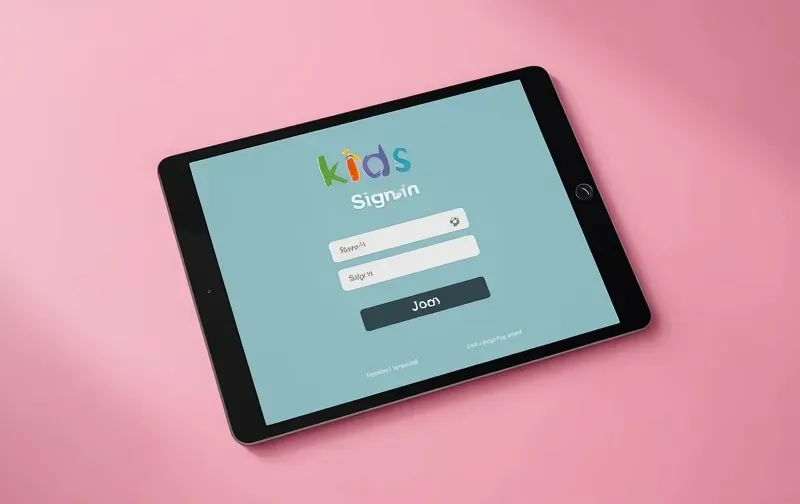
Set up in four steps
Parents go first
Open the app at speakscraft.novelly.com.au, choose Sign up, pick Parent and create your account with your email.
Make a link code
In your parent account, make a link code and give it to your child. It works once and lasts 24 hours.
Your child signs up
Your child creates their own student account with their name and school year; on a shared device, sign out of your account first.
Link up
Your child types in your code and you're linked. More than one child? Make a new code for each one.
Open the SpeaksCraft App and start step 1
It opens in your web browser on an iPad, tablet or computer. Nothing to download.
Over the next three weeks we'll email you short tips: their first piece, recording, games and your parent view.
Code says invalid or expired? Make a fresh one in your parent account and try again.
SpeaksCraft: empowering young communicators across Australia
Stuck? Email contactus@speakscraft.com.au or call 02 7255 0802 and we'll set it up with you.
© 2026 SpeaksCraft